
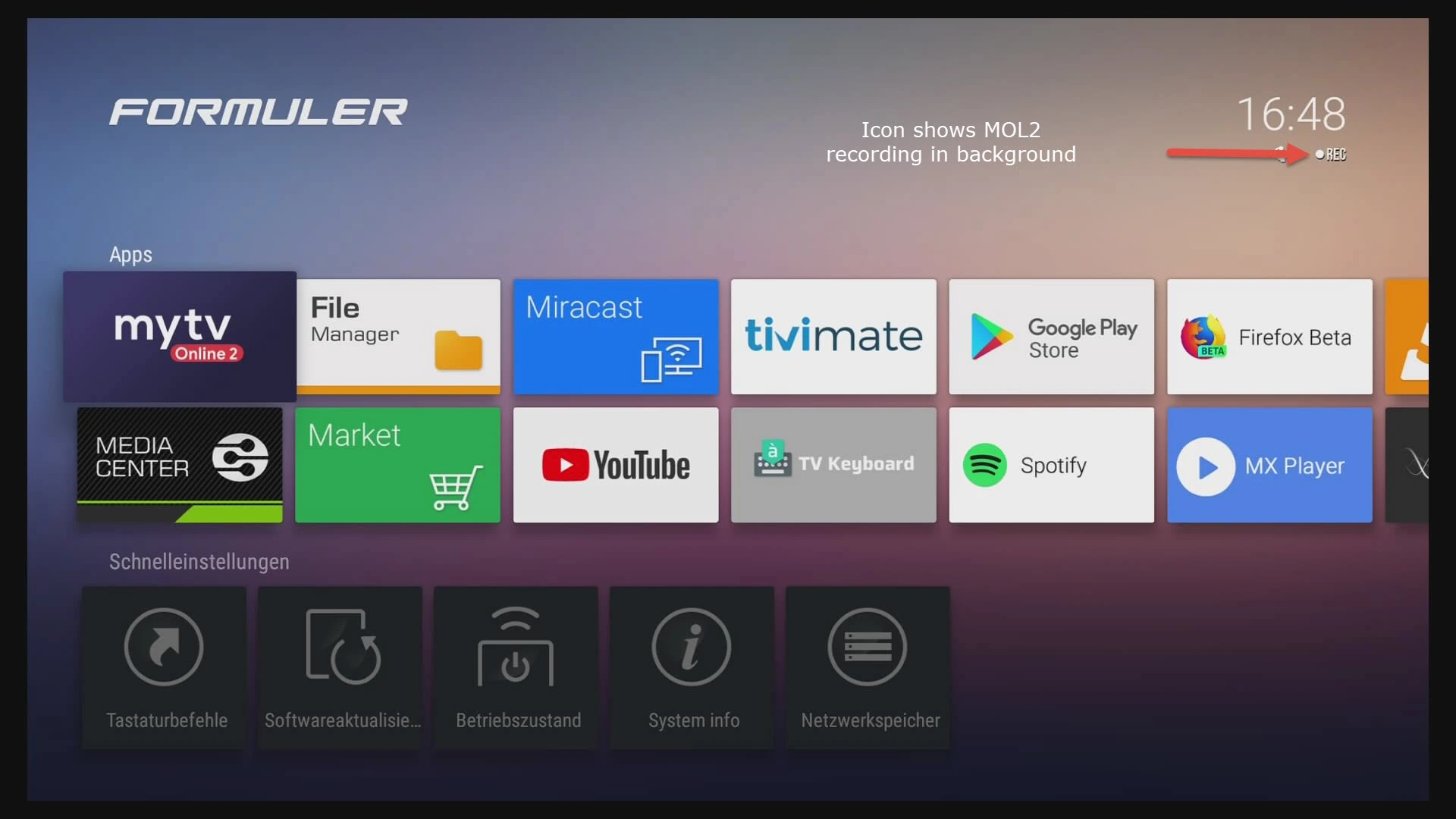
Learn how to install IPTV on a Formuler Box using MyTVOnline 2 step by step. Complete 2025 guide with common issue fixes and tips for better streaming quality.
IPTV Installation on Formuler Box with MyTVOnline 2 (Complete Guide 2025)
Installing IPTV on a Formuler Box has become easy thanks to the MyTVOnline app. In this complete 2026 guide, you will discover step-by-step installation, the requirements, and solutions to common problems.
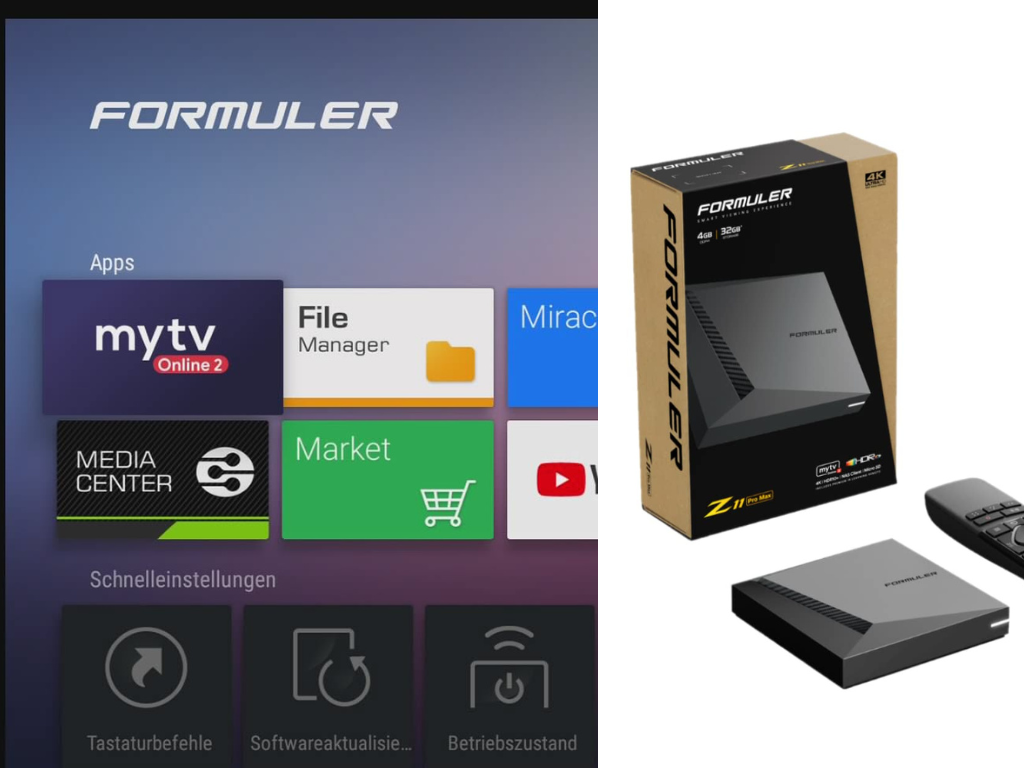
Prerequisites Before Installing IPTV on Formuler Box
Before starting the IPTV installation on your Formuler Box, make sure you have:
Stable Internet Connection
- Strong WiFi or Ethernet cable
- Recommended internet speed: 15 Mbps or higher
IPTV Subscription Details
You will need one of the following from your IPTV provider:
- Xtream Codes (Username + Password + URL)
- Or Portal URL + MAC Address
How to Install IPTV on Formuler Box Using MyTVOnline 2
The Formuler Box mainly uses the MyTVOnline 2 app, which simplifies streaming channels and VOD playlists.
H3: Method 1 – Using Xtream Codes
- Open the MyTVOnline app on your Formuler Box
- Go to the Playlists or Content section
- Select Add Playlist
- Choose Xtream Codes API or Add portal
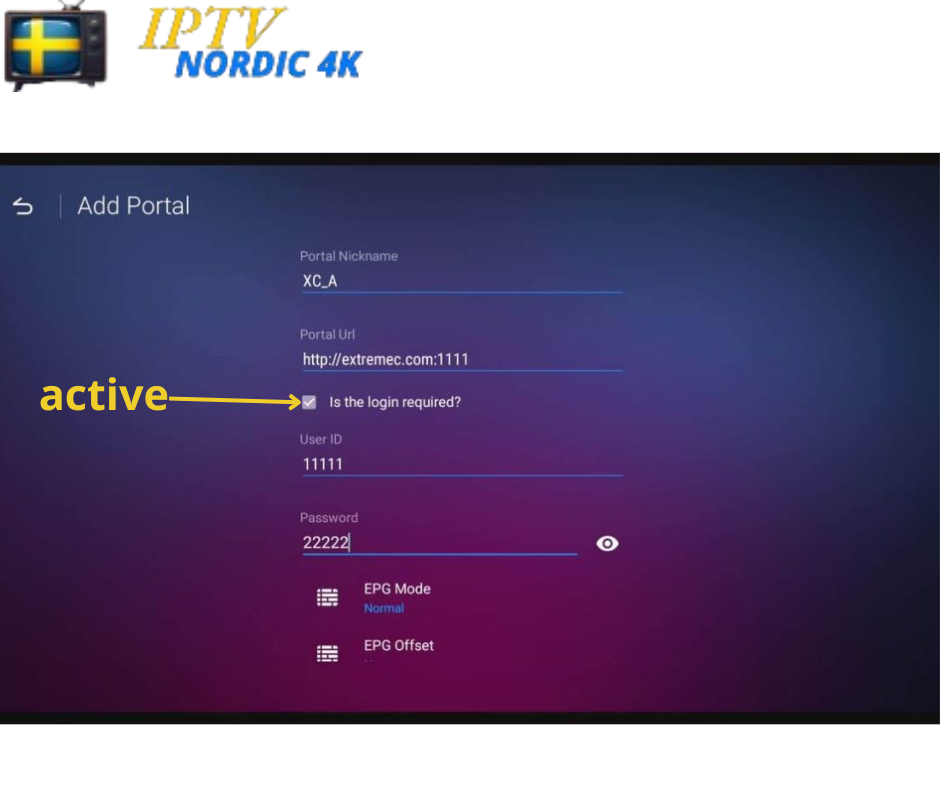
- Enter: Username – Password – Server URL
- Click Save
- Restart the app
Your channels will start loading automatically.
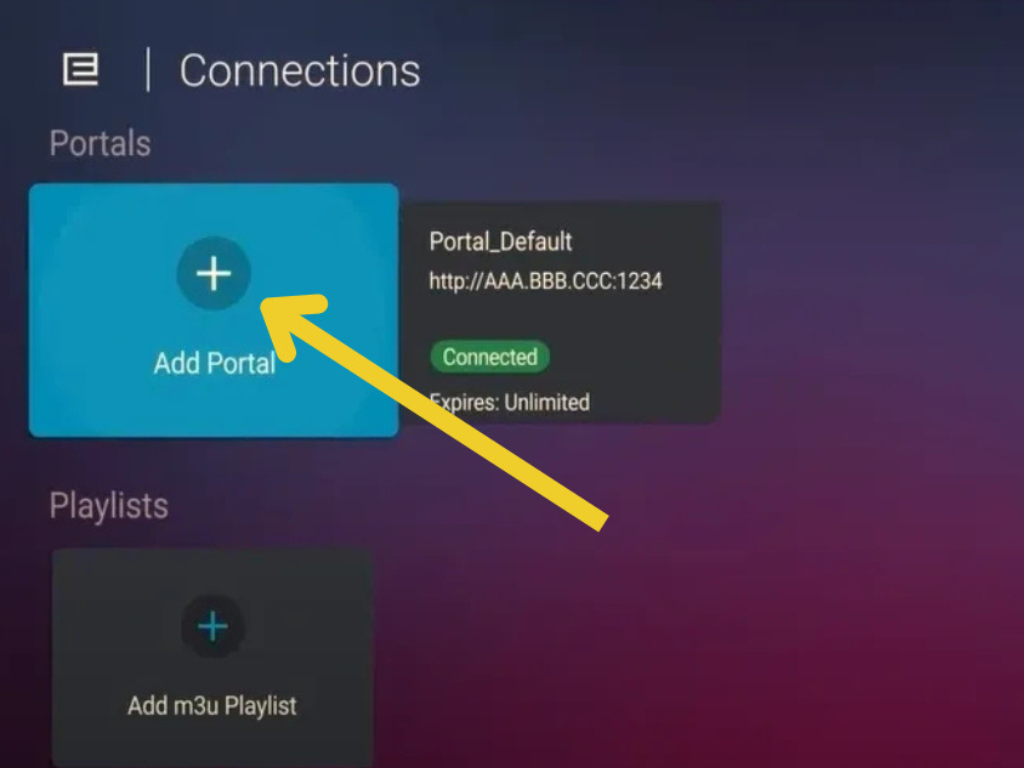
Add an IPTV Portal in MyTVOnline
Once you have your MAC address and IPTV credentials, you are ready to set up your portal.
From the home screen, select “Add Portal.”
In “Portal Nickname,” give the portal a name (e.g., “IPTV Home”).
Enter the portal URL provided by your IPTV provider in the “Portal URL” field.
Click “Connect” to confirm.
Best Settings to Improve IPTV Quality on Formuler Box
For the best viewing experience, adjust these settings:
Performance Settings
- Enable Update Channels on Startup
- Enable Auto EPG Update
- Set Buffer Size to Medium or Large
Language and Time Zone
- Choose your preferred language
- Set the Time Zone according to your location
Common IPTV Issues on Formuler Box and How to Fix Them
Sometimes users face simple problems that can be easily resolved.
Channels Not Loading
- Verify Xtream Codes or Portal details are correct
- Restart the Formuler Box
- Check internet connection
Error or Authorization Failed
- Ensure Username and Password are correct
- Confirm the server is online
- Contact your IPTV provider if needed
Streaming Freezes or Buffering
- Use Ethernet instead of WiFi
- Increase Buffer Size
- Reduce streaming quality if needed
Important Tips for Using IPTV on Formuler Box
Security and Updates
- Do not share your subscription details
- Keep system and apps updated
- Use a VPN if required (optional)
Conclusion
Installing IPTV on a Formuler Box using MyTVOnline is simple when following the correct steps. By following this guide, you can enjoy uninterrupted streaming with better quality.